I didn't see Fairdinkem making any comments about the capabilities of Odyssey, only just reporting his personal experience, which is something he knows about.
Well, it was edited since... It was something like "I raised the issue of randomly working videos during the bounty". But since this forum doesn't even show when a post was edited, you can go unnoticed and edit your posts anytime.
@Fairdinkem
I'm not sure i want to go into details again about how these 2 scripts work, but the bottom line is: HTML5 video works, and overlay mode works. In between, there can be Youtube trying to break things in any way they can, and when it happens, the two userscripts need to be updated. For instance, they recently prevented the scripts from working when clicking the related videos links, and now, it seems they also won't work when coming from search results. So I just updated these two scripts: http://fabportnawak.free.fr/owb/scripts/YouTube.js http://fabportnawak.free.fr/owb/scripts/YouTube_Fullscreen_Fix.js
Update them, and in scripts manager window, you REMOVE and ADD these two scripts again, so that the URL whitelist gets updated.
But to make it simple for you, just spoof as Chrome 32 (just for youtube in URL settings or globally, as you prefer), and just enable the YouTube_Fullscreen_Fix.js userscript. It should work in all cases then (with ads).
Thank you for bringing my edit to light but I still fail to see how it is a comment about that which I don't know about it was still my experience then and now and still relevant to now. I took it out because my comment could have been perceived as inflammatory so I edited it, not quickly enough it seems. My intention was not to stir up trouble. Thank you for your described work around I will try it thanks.
Look, if the *builtin* player doesn't go fullscreen when you click fullscreen button on MorphOS (assuming there's a video playing), you have a serious setup issue, or you already have a video layer opened in another tab or application.
Of course i don't have any another tabs. Of course overlay works for me (it is radeon9250 on peg2 and i right now download your latest mplayer: it works without problems in overlay).
Quote:
It just works for everyone out there (provided there's overlay support of course)
Also it didn't works for Fairdinkem the same as for me: the same latest odyssey, the same tick on in-build player do not make full-screen works.
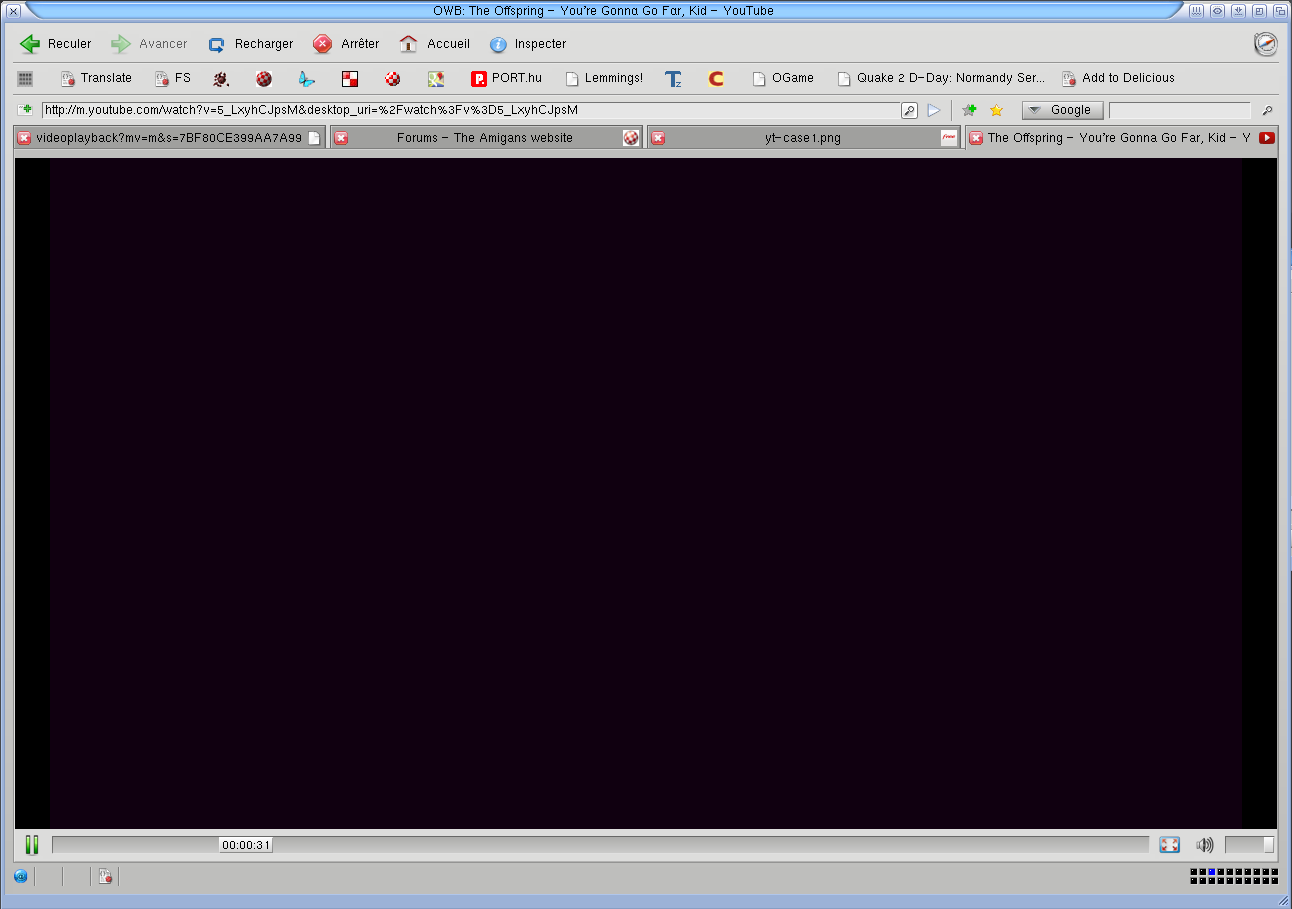
I am sure we can do something wrong, but you didn't say what. All i do, its just download your latest 2 scripts (dated today), remove old ones, and install new ones, then go to "pennywise home sick" video, and it didn't work. Same "get adove flash player". Then , if i do spoof as Chrome, and do reload of page, then i have black window with "play" button, pressing on which do nothing. I mean really nothing and player didn't starts.
Sure you have no issues with it, but there is at least two users with it now. If you care to help to sort it , i can help with tests, if you think we are suggots who know nothing and can do nothing, then i can not worry you about, and then, other morphos users later will meet with the same problems called "we install 2 latest scripts from your page, but not all videos works in youtube while you says so, what we need to do?"
@Fairdinkem Quote:
I updated to version 1.23 in morphos and I can't full screen videos in youtube now either.
Same for me. I just go to some video on youtube which html5, and while it plays in window, i like madman press on "fullscreen" image and nothing happens at all.
Quote:
Thank you for your described work around I will try it thanks.
Let me know if it will works for you (i.e. tick on fullscreen and make all videos works). I just can't make it works, and about to give up with asking questions.
Youtube is a moving target, it's really complicated, because they have many different cases depending on videos, and unfortunately you're very confused about all this. So just PLEASE do use the same scenario and configuration as below.
Then either restart Odyssey or create a new tab/window before proceeding.
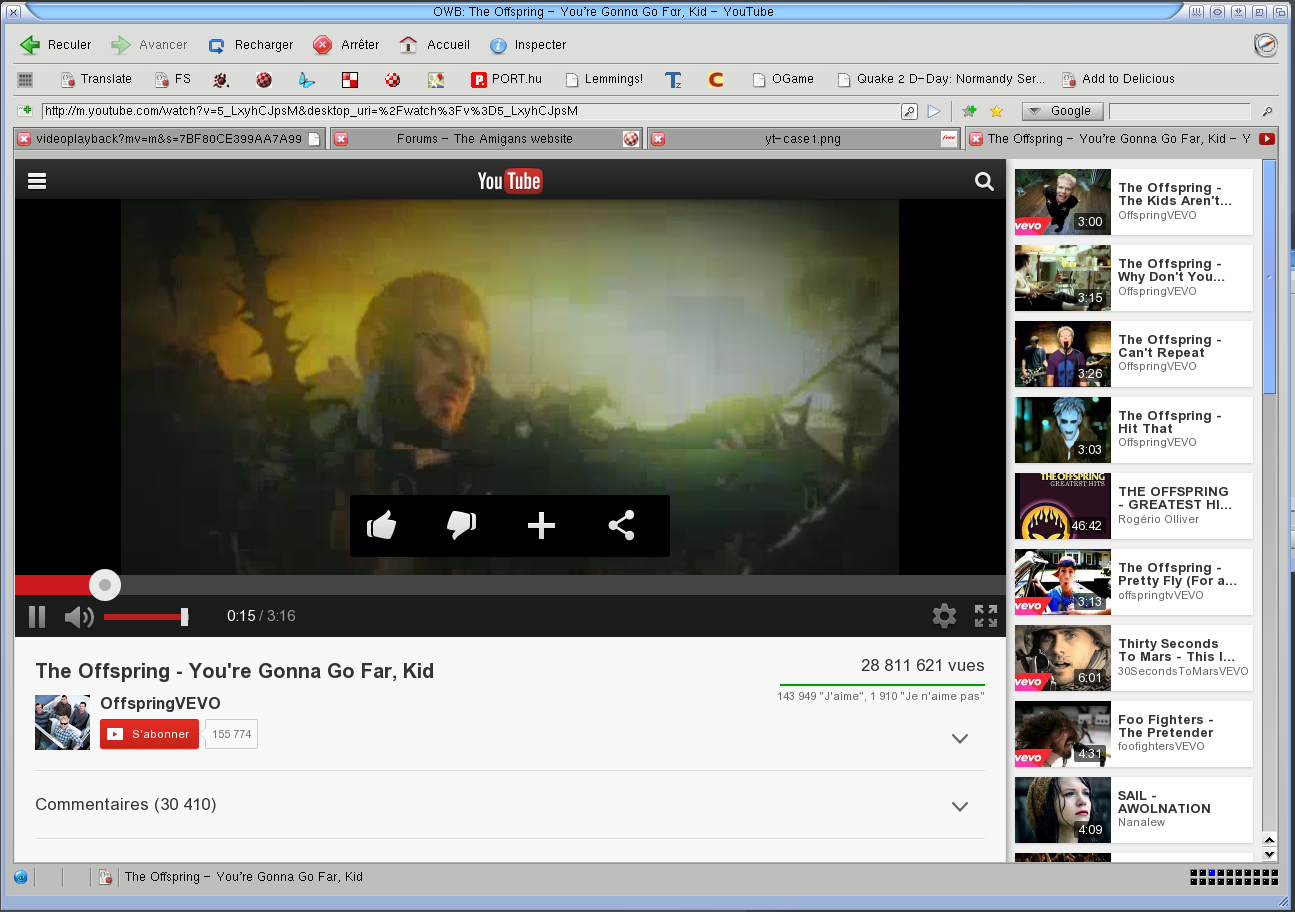
Now we will see four different cases: 1. http://www.youtube.com/watch?v=hUoJBerFDsA HTML5 mode is not available with this link, but youtube.js works just fine, and so does overlay (which ALWAYS works with builtin player, as long as video is available).
3. http://www.youtube.com/watch?v=BBtXL9NAPXk You have to disable youtube.js userscript and spoof as chrome (menu -> settings -> spoof as -> chrome 32) I get an annoying ad, and then the video plays, and overlay works just fine when pressing fullscreen button.
With OWB 1.23, you might not see player controls, because webp wasn't enabled, and when spoofing as chrome, webp is needed.
4. http://www.youtube.com/watch?v=yR6A-Bk9eZQ HTML5 mode is not available and spoofing as Chrome won't even help in this case. In this case, the easiest alternative is to spoof as Ipad. Fullscreen button will work fine in this case too.
Case 1 and 2 are the most common by far.
Case 3 (which is a subset of case 4) is rather new to me.
Case 4 might be related to VEVO links. In this case, the direct link extracted by the script just don't work and return an empty 403 result (i.e http://r8---sn-vg5obx-25ge.googlevide ... 93d7994&ms=au&sparams=gcr,id,ip,ipbits,itag,ratebypass,source,upn,expire&source=youtube&fexp=931320,941509,930102,916624,937417,913434,936910,936913&ratebypass=yes&ipbits=0&mt=1391777825&key=yt5&ip=90.59.141.178&upn=2uVBODzrv7M&fallback_host=tc.v21.cache3.googlevideo.com&quality=medium&itag=18 ) But spoofing as ipad works in these case. I might investigate what happens exactly and try to modify youtube.js to handle this case, but it's related to the signature/upn parameters, and it might not be so easy.
Read this post many times before just saying "it doesn't work". The situation is a bit more subtle as you can see. And about comments about non working overlay,i just reject them, plain and simple. Overlay DOES work, when scripts are enabled AND video is available. That's it.
Same was here with my macmini... the only way for show the video was spoof as Ipad , but no overlay and video goes really slow . After making test and test and test i finnally have working swf player :)
@Fab Thanks, will follow your steps and check (sadly can do it only in next few days).
Quote:
Youtube is a moving target, it's really complicated, because they have many different cases depending on videos, and unfortunately you're very confused about all this.
If me confused (who have a bit of clue about), imagine how confused ppls who just download/unpack and in hope to have it all working.
Btw, what you think maybe it possible to do something like smtube do, i.e. that "autoupdater" of scripts ? Like user run browser and it check and report "you have outdated youtube scripts, dl them and install?". At least all users who have no clue will make it all works by default
Quote:
And about comments about non working overlay,i just reject them, plain and simple. Overlay DOES work, when scripts are enabled AND video is available. That's it.
I don't say overlay not works, i say for me full screen didn't happens when i press on "fullscreen", can be anything, but i firstly will try your step by step and report back.
Every time i install new mos revision i clean all on my system hd , i install the OS after the crysalis and go on your site in case video not play for download the scripts and plugin But for me there isn't problem after 3.4 and my last clean installation i fixed everything is working and is better not touch noting :P
There's really no need to wipe clean the HD when updating MorphOS, since it's designed to be updated properly. On the other hand, chrysalis pack may cause some weird things sometimes.
Anyway, good if it finally works as intended.
On a G5@2.3GHz, with Odyssey, Youtube 720p is playing fine in window mode, and 1080p is generally fine in overlay mode.
On MorphOS we have grunch (amiupdate-like) which reports when userscripts are outdated, so it's not really an issue there, users are notified when a new one is available.
But anyway i also planned to have autoupdate feature in odyssey userscripts at some point, this is why i already include version and url in these scripts.
After removing and installing scripts again plus switching spoofing to Chrome 32, the issue some what improved for me. The first Amiga video Fab had a link for started playing with the script then would revert to HTML 5 player and all controls ie large window mode, the full screen and resolution controls would disappear except the progress bar.
I then switched to spoofing as firefox 25 and all videos work with full screen also..... YAY! Only problem encountered is the full screen mode sometimes requires you to reload the page and try again, these pages are not using the script but the HTML 5 mode. The scipt mode does work but youtube takes over with html 5 mode it appears. I use to always use Safari spoofing which I think is now broken, it appears Chrome and Firefox 25 work however.
Just to clarify when I say all video works I mean all except case number four that Fab mentions because of the possible issue with VEVO and spoofing as iPad does work around that issue.
Speaking of spoofing my findings only work if you set the spoof to firefox 25 in the preferences not just changing in the short cut menu.
@Fab Do bunch of tests and can say now that its all about :
Spoofing is must for some vids. Crhome or IPAD make video which didn't works be works. While IPAD works always, it also slower as window bigger. Spoofing as IPAD make videos works even with enabled youtube.js, while, to make it works with Chrome, some videos need script to be disabled, some are works with enabled.
Enabling of html5 player in youtube as default, make "fullscren" things works in morphos version.
I also have that image in status bar what mean that youtube scripts works on os4, why they wasn't on my previous screenshots : dunno, maybe i disable scripts on them at this moment or any other dunno-what. Now its ok on os4 too.
Speed of playback in window modes on morphos faster. Not veery faster, but noticable. I think we can say that some window mode of some video on morphos give on peg2 let's say 17fps, and the same video, on the same peg2, but on os4 and port of odysey 1.23 give i think about 11-12fps. I.e. about 30% slower i think. But that somehow expected, knowing the graphics speeds differences between morphos and os4.
And general question now: it is possile to make full-screen player mode be "real fullscreen" , i.e. everything black, whole screen only video. Maximum what i can do on morphos now its fullscreen + f11, but even then, i have at top odysseys tabs and some status at bottom. I want just to make it like "if i tick fullscreen, then video take full screen and works in overlay, without any other tabs/status stuff/etc". It is possible somehow in 1.23 ?
As for os4 port, i think i will follow that way: as we all know p96 do not allow all that stuff like cgx5 when overlay can be used together with other elements at one screen (or, it just need more new code, and we didn't have such code anywhere for now) , then in odyssey i want to put the same overlay's p96 code from mplayer, so once user will tick fullscreen, it will then go to overlay mode "real fullscreen" without any other elements as well. Also imho i need to add some detection of overlay, if it not available, says something like "sorry no overlay no fun", or, if later someone will make a code for non-overlay cards but with hw acceleration, then check on that too and use it if avaialable. Through dunno how hard or easy to re-use overlay code in odyssey for now, but hope those skilled ppls who cry how bad my port are can now come-up, grab the code and do real help.
Edited by kas1e on 2014/2/8 15:03:26 Edited by kas1e on 2014/2/8 15:04:01
The video playback in window mode is mainly dependant on Cairo performance itself. Cairo is the bottleneck, the gfx driver is less important there, unless it's very very slow, of course. :)
Regarding Overlay support, I already check if overlay is available of course. You could always add a nag requester, but it's really not needed at all (it even displays a message in messages windows about not being able to create a video layer, anyway).
With P96, it seems you can't attach a vlayer on an existing window, so it will be hard to make it work like it does on MorphOS. Of course it would be easy to create a fullscreen instead, but you have to keep in mind it has to deal properly with external events (i.e switching back to odyssey window, closing tab, scrolling in the related page and so on...). As you can see, a real fullscreen mode raises several usability issues. So better be VERY careful about that.
And regarding the existing fullscreen mode, the status can already be hidden with middle mouse button. As for tabs, it could probably be done with a bit more work, but it's not really a priority now.


 News feed
 OS4 Feedback forum
 OS4Depot Feedback forum
 AmiCygnix forum
 ABC shell forum
 AmiKit forum
 Cinnamon Writer forum
 CodeBench forum
 Digital Universe forum
 Dopus 5 forum
 E-UAE forum
 Gnash forum
 Ibrowse forum
 JAmiga forum
 Odyssey forum
 OWB forum
 Qt forum
 SmartFileSystem forum
 Timberwolf forum
 TouchDevice forum
 TuneNet forum
 Unsatisfactory Software forum
 Donate